
Using Reminders to keep transactions on track
Reminders chase your clients for you. When a client has something outstanding - an invite they haven't accepted, details they haven't finished, a form they haven't completed - Moverly automatically nudges them so you don't have to remember who to chase.
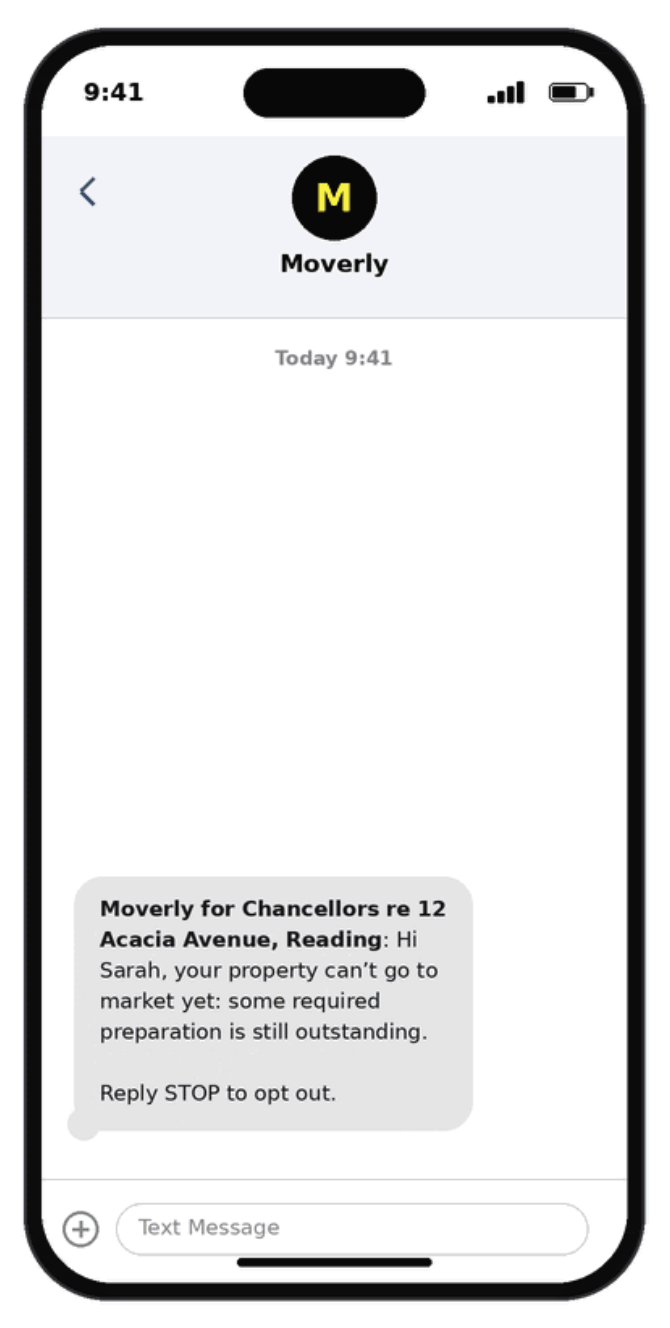
Each reminder is sent to the client in-app, by email, and by SMS, and you'll see it happening on your dashboard.
You only get reminders for the services you use
Reminders only cover the steps that are part of your journey.
If your agency doesn't use a particular step, your client will never be chased for it. For example, if you don't use ID checks, no ID check reminders will ever go out.
So the reminders your client receive always match the way your branch actually works - nothing irrelevant, nothing they don't need.
What gets chased
Reminders follow the client's journey in order - an earlier step is always chased before a later one becomes relevant. Depending on the services you use, a seller might be reminded about:
• Accepting their invite
• Finishing their details
• Completing their Material Information
• Completing property forms (TA6, TA7, TA10)
• Signing
• Any other outstanding step in your journey
Each reminder is tied to a specific client and a specific outstanding item, so if two sellers on the same property are both stuck, each gets chased on their own.
Where you'll see it
On the property list, each property shows small reminder chips - for example "Invite pending" or "Material info" - with the time of the next nudge. Hover over a chip to see the full picture: the client's name, what's outstanding, how many reminders have been sent, and when the next one goes out.

Use the Reminders filter on your dashboard to switch between two views:
• Being chased - properties where Moverly is actively sending reminders. You don't need to do anything; it's handled automatically.
• Needs a call - properties where the automatic reminders have run their course and the client still hasn't acted. These are the ones that need a human touch, so it's your call-list for the day.
An empty list is a good thing - it means there's nothing to chase or no one waiting on a call.
When reminders are sent
Reminders only go out during sociable hours - 9am to 8pm - so your clients are never messaged in the middle of the night. If a reminder becomes due earlier than that, it's simply held until 9am.
Sending a reminder yourself
Separately from the automatic reminders, you can always send a one-off nudge on demand - for example, a reminder for a pending invite or an outstanding task. These are instant and completely in your control, and sit alongside the automatic reminders.
Turning reminders on
To turn on reminders for your agency, simply head to Settings, Reminders and toggle them on:
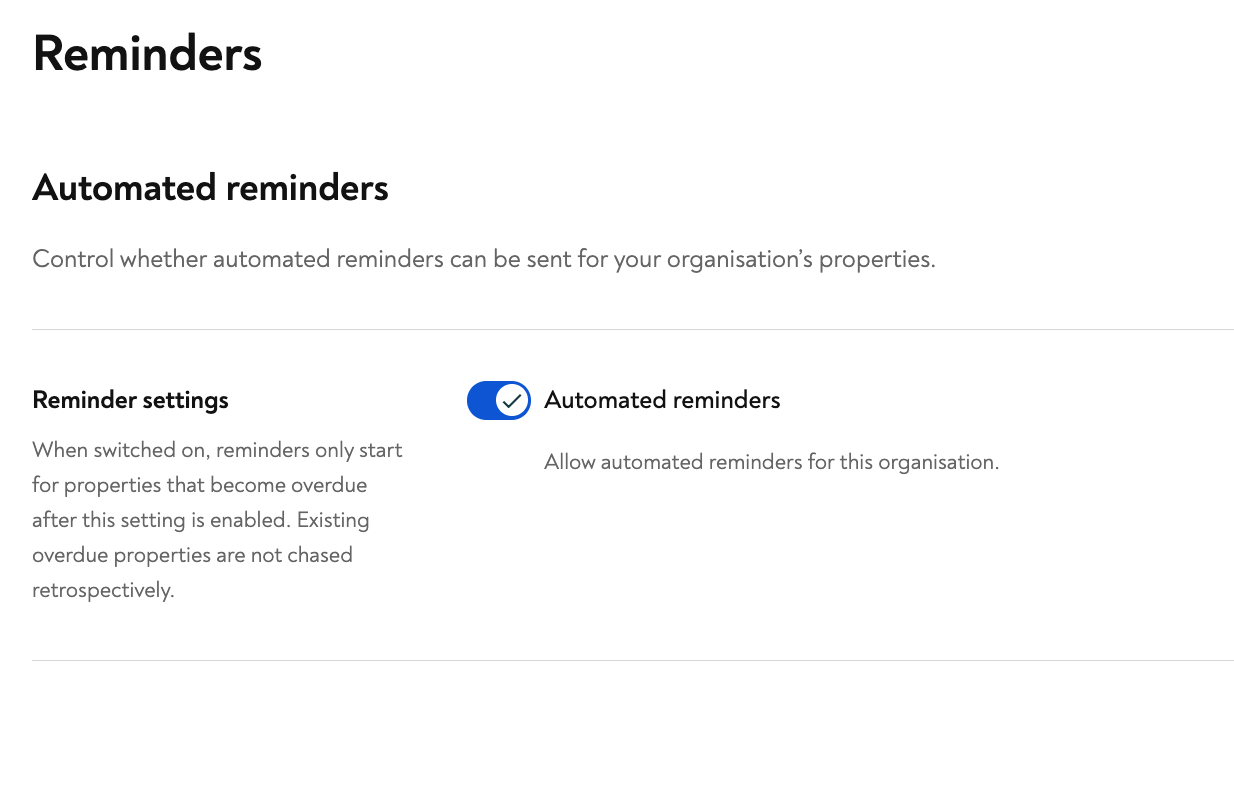
Once enabled ion settings, reminders will be enabled by default when upgrading a property. You can turn them off at any time for a specific property by switching them off when upgrading, or via the property's settings menu.

If you need assistance with reminders, our friendly support team is always here to help. Simply click the yellow chat button on this page to chat with Mia, or submit a support form.