
Adding a Buyer
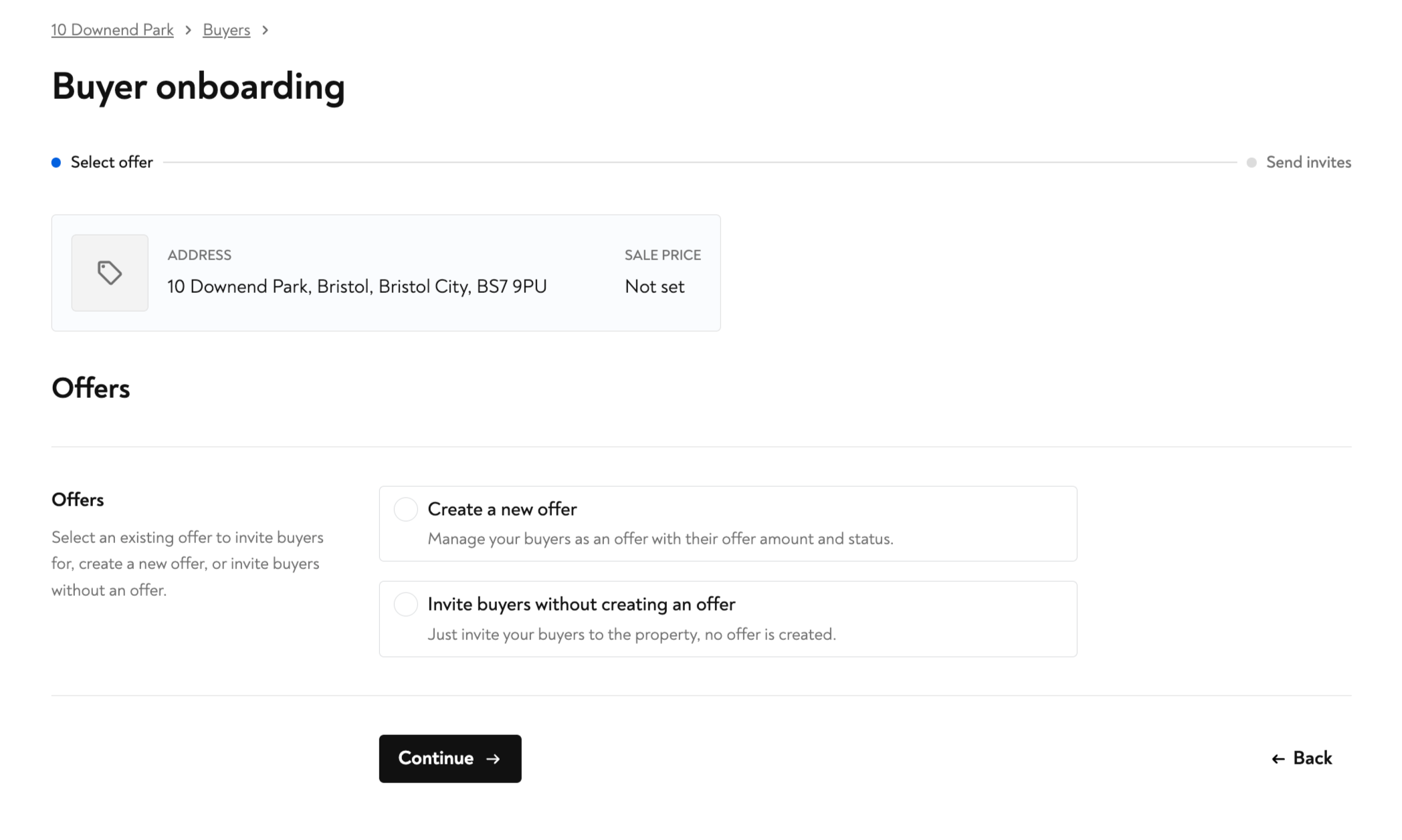
To add a buyer, go to the “Buyers” tab for the property and click “Add buyer.” You can then choose to either “Create a new offer” or “Invite buyers without creating an offer.”
If you’d like to invite buyers without entering offer details, select “Invite buyers without creating an offer.”
If you’d like to link your buyers with their offer, select “Create a new offer.”
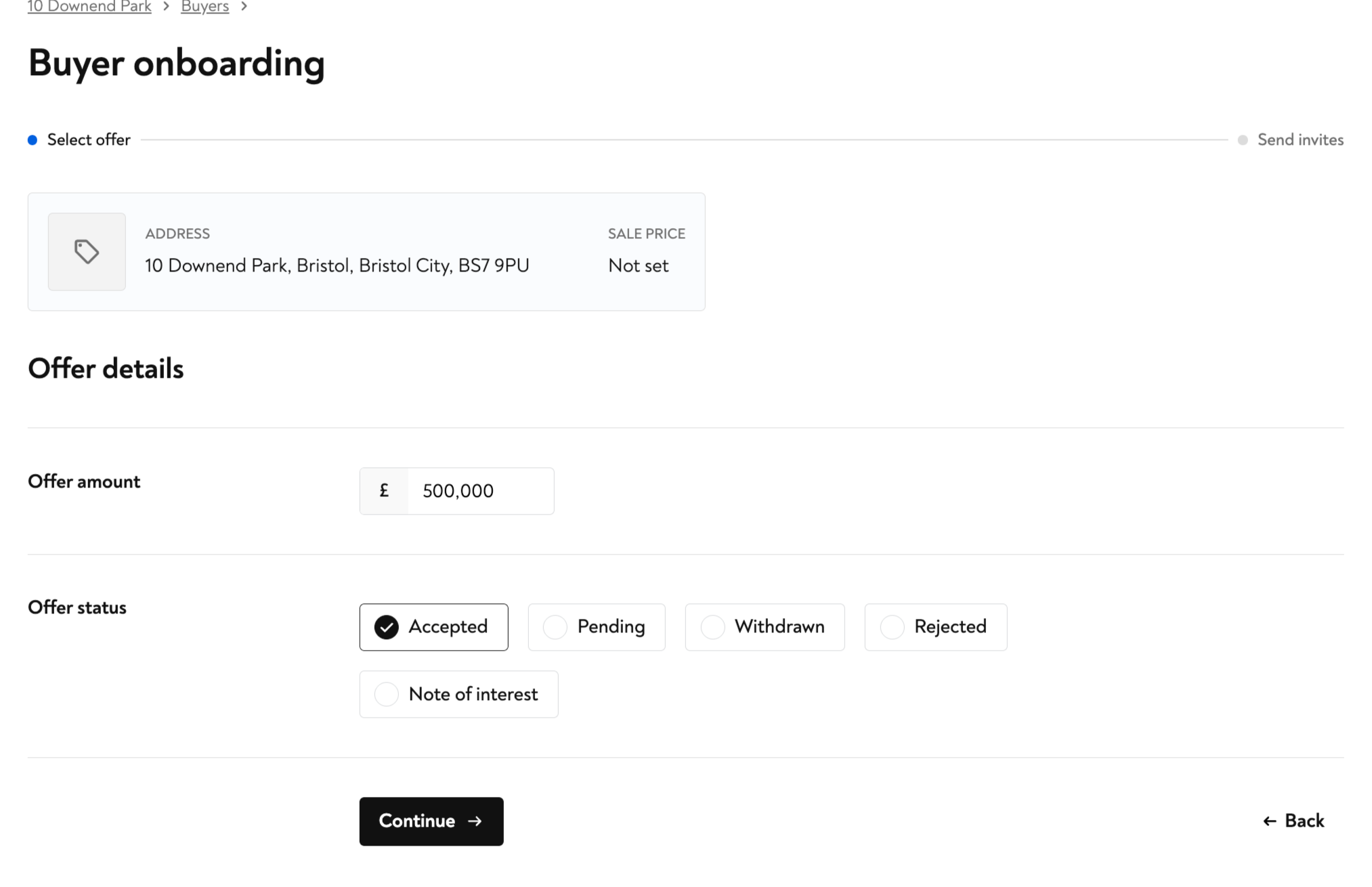
You’ll be prompted to enter the offer price and choose an offer status: Accepted, Pending, Withdrawn, Rejected, or Note of Interest. Once the offer details are saved, you can invite your buyers.
When inviting buyers, you can tick or untick the “Request identity check” box to include an identity check as part of the buyer’s invite.
If an offer with a group of buyers falls through, you can add a new set of buyers to the same transaction by clicking “Add buyer” in the “Buyers” tab. This allows you to continue managing the property in Moverly without re-adding it.